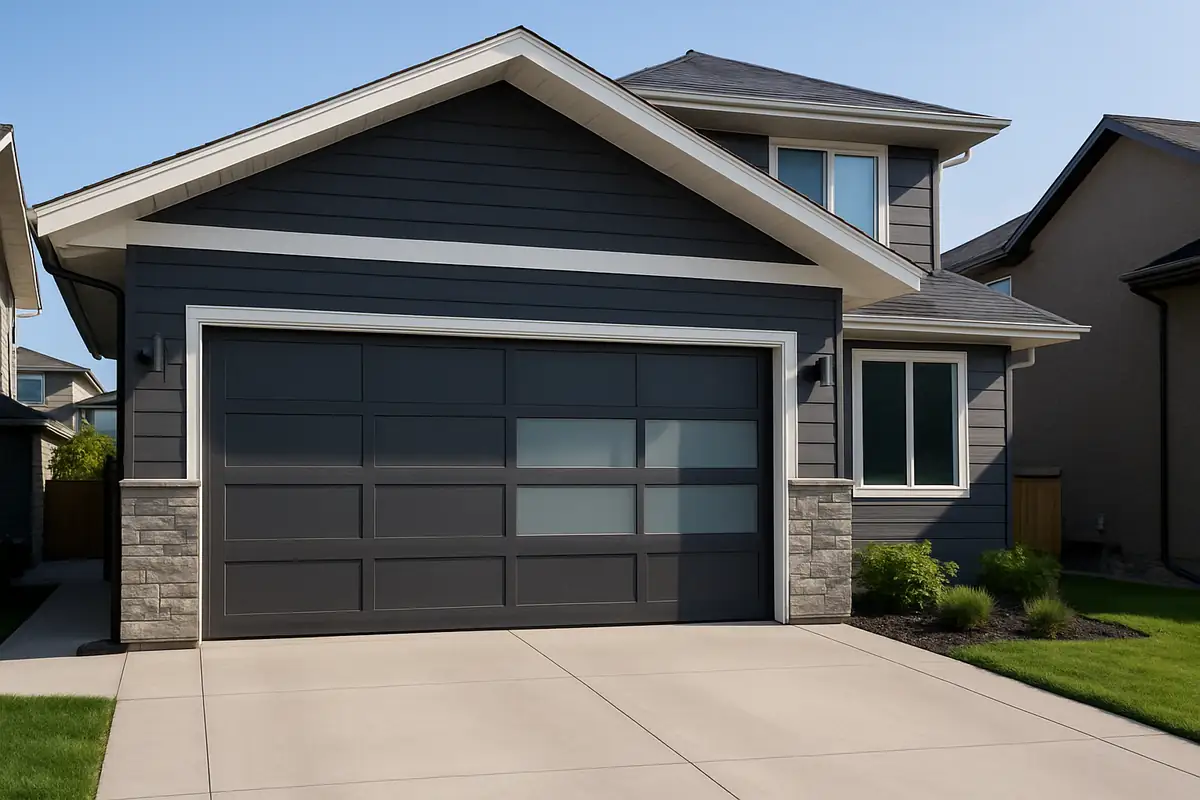
How to Program Your Garage Door Remote: Expert Tips from Palm Garage Door Repair FL

Understanding Garage Door Remotes
Garage door remotes are essential tools that provide convenience and security for homeowners. Knowing how to program your garage door remote not only enhances your daily life but also improves the functionality of your garage door system. Whether you're in New Smyrna Beach, FL, or anywhere else, understanding the ins and outs of your remote is crucial. In this guide, we’ll break down the programming process, common issues, and expert tips to help you master your garage door remote.
Why You Might Need to Program Your Garage Door Remote
There are several reasons why you may need to program your garage door remote:
- New Remote: You bought a new remote after losing the old one.
- New Garage Door Opener: You've installed a new garage door opener and need to sync it with your remote.
- Batteries Replaced: Replacing the batteries can reset the programming.
- Malfunctioning Remote: Your existing remote isn't working properly.
Step-by-Step Guide to Programming Your Garage Door Remote
Programming your garage door remote may vary slightly depending on the model, but here’s a general step-by-step guide that works for most systems:
Step 1: Locate the 'Learn' Button
Find the 'Learn' button on your garage door opener. This is typically located on the back or side of the motor unit. You may need a ladder to reach it.
Step 2: Press the 'Learn' Button
Press the 'Learn' button. A light should turn on or blink, indicating that the opener is in learn mode. This is usually a good time to get your remote ready.
Step 3: Program the Remote
Within 30 seconds of pressing the 'Learn' button, press and hold the button on your remote that you’d like to use for opening the garage door.
Step 4: Wait for Confirmation
After you press the button, the light on the garage door opener should blink or stay constant. This confirms that your remote has been successfully programmed.
Step 5: Test the Remote
Test your newly programmed remote by pressing the button. If the garage door opens, you’ve successfully programmed your remote!
Common Issues When Programming Garage Door Remotes
While programming your remote is often straightforward, you may encounter some common issues:
- Remote Not Responding: Ensure the batteries are fresh and properly installed.
- Interference: Check for nearby electronic devices that may interfere with the signal.
- Multiple Remotes: If you have multiple remotes, they might need to be programmed one at a time.
Tips for Maintaining Your Garage Door Remote
To ensure your garage door remote functions optimally, consider the following tips:
- Regular Battery Changes: Change the batteries every 6-12 months to avoid malfunctions.
- Keep Remote Clean: Regularly clean your remote to prevent dirt buildup that can affect performance.
- Avoid Dropping: Handle your remote gently to avoid accidental damage.
Statistics on Garage Doors and Security
Did you know that approximately 30% of home burglaries occur through an unlocked garage door? Keeping your garage door remote secure and functional is critical for your home’s security.
Conclusion
Programming your garage door remote is an essential skill for homeowners in New Smyrna Beach, FL, especially as these devices can significantly enhance your convenience and security. Following the steps outlined above will ensure that you’re always able to access your garage with ease. If you run into any issues or need assistance, don’t hesitate to contact us at Palm Garage Door Repair FL. Our experienced technicians are here to help you with all your garage door needs!
Explore More Resources
Related Articles
Service Areas
We proudly serve New Smyrna Beach, Coastal Woods, Sugar Mill Estates, Deering Innovation Park, Glencoe and more areas.
Our Services
Professional garage door repair, spring repair, opener installation and more. View all services →
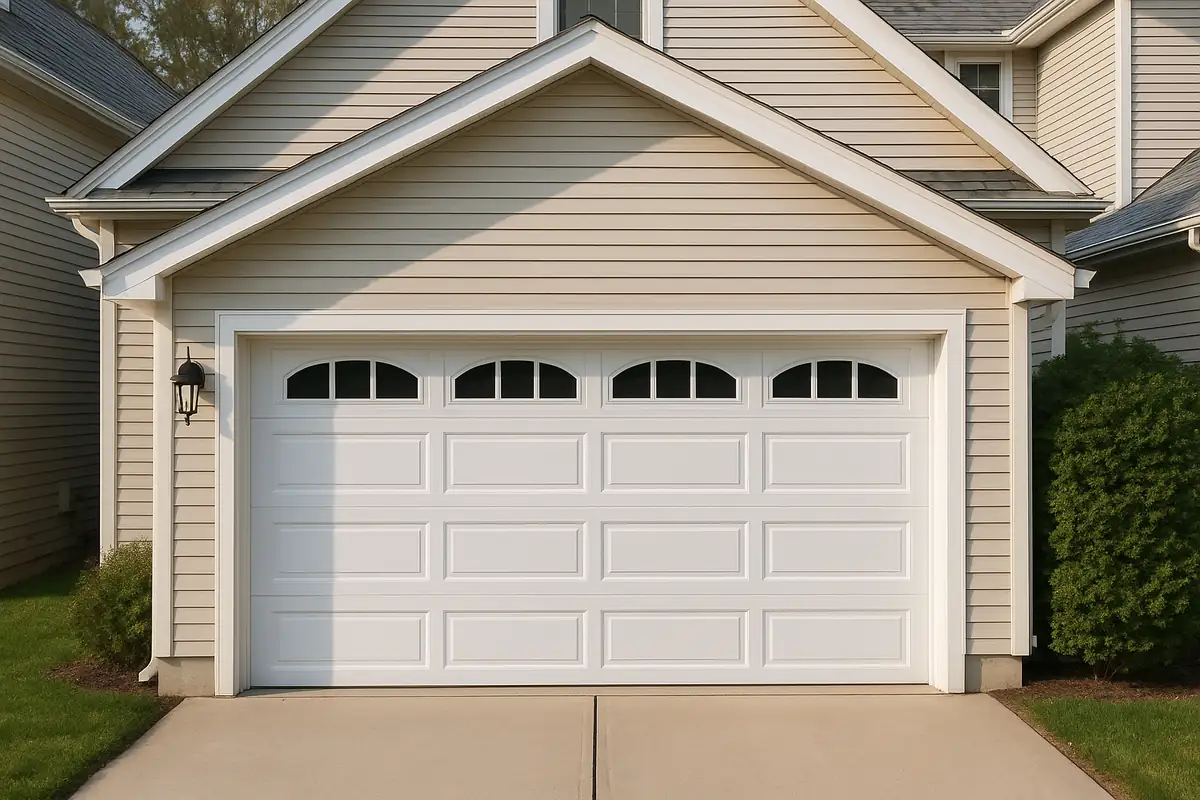
How to Program Your Garage Door Remote: A Guide by Palm Garage Door Repair FL
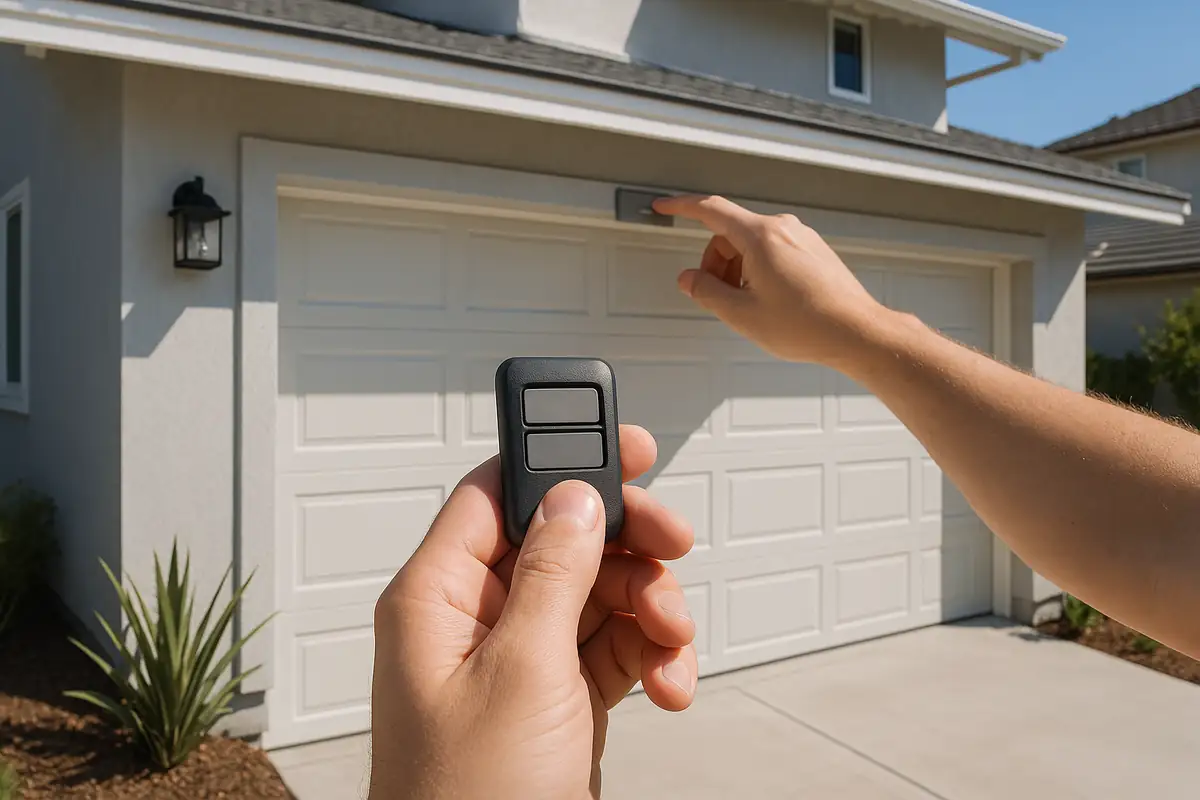
Weather-Proofing Your Garage Door: Essential Tips from Palm Garage Door Repair FL