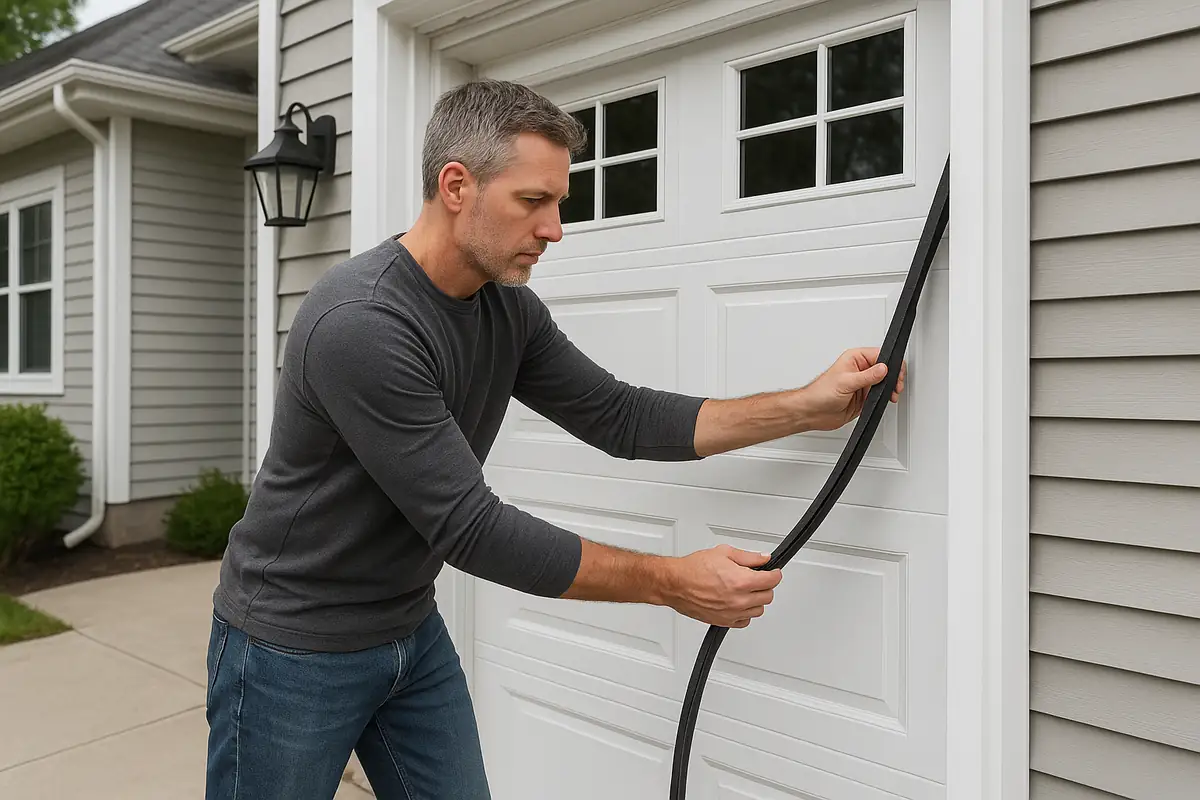
How to Program Your Garage Door Remote: A Guide by Palm Garage Door Repair FL
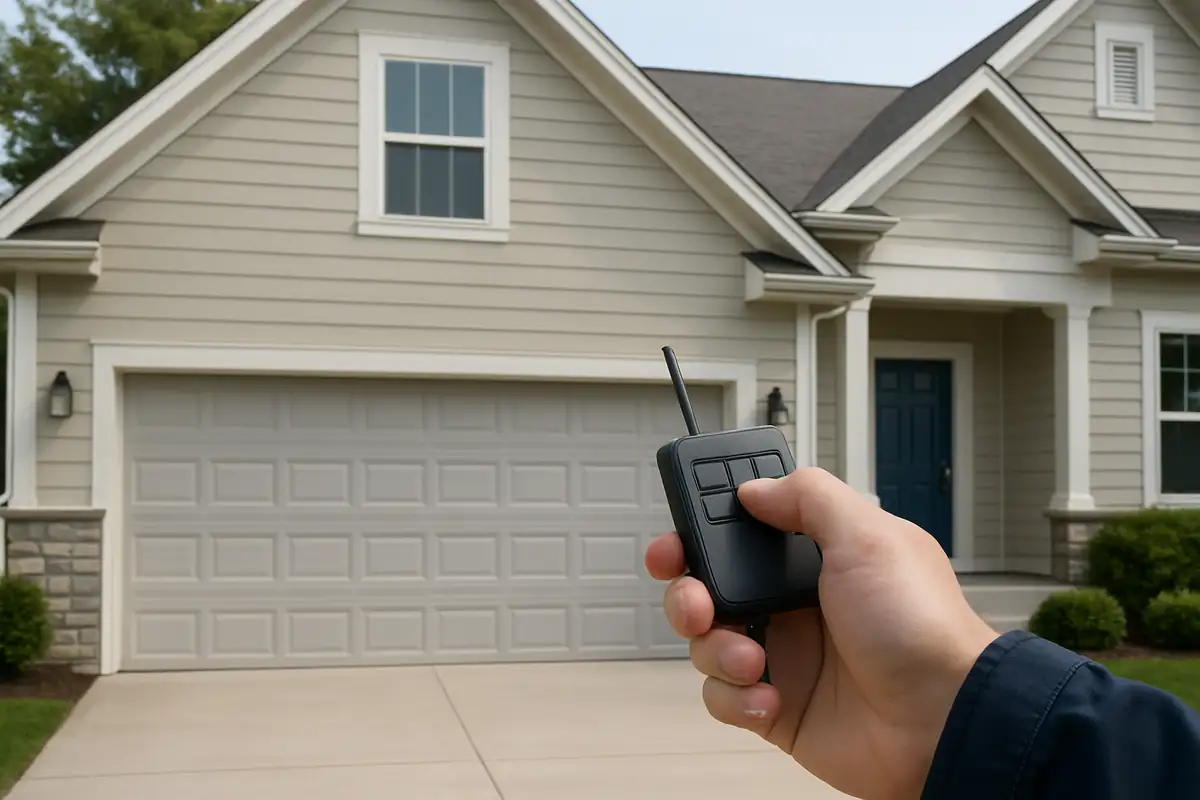
How to Program Your Garage Door Remote: A Step-by-Step Guide
Having a functional garage door remote is a must for convenient access to your garage. However, programming it can be confusing for many homeowners. In this comprehensive guide, Palm Garage Door Repair FL will walk you through the simple steps to program your garage door remote in New Smyrna Beach, FL.
Understanding Your Garage Door Remote
Before diving into the programming process, it’s essential to understand what kind of remote you have. Garage door remotes can vary significantly based on the manufacturer and model. Here are some types you might encounter:
- Single-button remotes
- Multi-button remotes
- Keychain remotes
- Smartphone-compatible remotes
Knowing your remote type helps streamline the programming process.
Step-by-Step Programming Guide
Programming your garage door remote typically involves a few straightforward steps. Here’s a detailed guide to help you.
Step 1: Locate the "Learn" Button
On most garage door openers, there is a "Learn" button that you will need to locate. Follow these steps:
- Find the motor unit of your garage door opener, usually mounted on the ceiling.
- Look for a small button, often labeled “Learn” or “Smart.”
- Note the indicator light next to the button, as it will signal when the programming is in effect.
Step 2: Prepare to Program
Once you’ve found the Learn button, you’ll want to do the following:
- Ensure you’re within range of the garage door opener.
- Have your remote ready to be programmed.
Step 3: Press the Learn Button
Press and hold the Learn button on your garage door opener until the light turns on (usually about 2-5 seconds). This action will put the opener into programming mode.
Step 4: Program Your Remote
Now, it’s time to sync your remote:
- Press and hold the button on your remote that you want to use to open the garage door.
- Hold it until the light on the garage door opener flashes or clicks. This usually takes about 1-2 seconds.
- Release the button on the remote.
Your garage door remote should now be programmed!
Troubleshooting Common Issues
If your remote didn’t program correctly, don’t worry. Here are some common issues and solutions:
- Remote not working: Check the battery and replace it if necessary.
- Programming light not turning on: Ensure you’re pressing the Learn button correctly.
- Multiple remotes not functioning: You may need to reprogram all remotes; repeat the learning process for each one.
Understanding Garage Door Security
As you navigate through programming your remote, it’s also important to keep security in mind. Did you know that over 70% of burglaries are through unsecured entry points, including garage doors? Here are some security tips to enhance safety:
- Change your remote codes regularly.
- Use rolling code technology for added security.
- Keep your remote in a secure location.
Conclusion: Reach Out to Palm Garage Door Repair FL
Programming your garage door remote doesn’t need to be a hassle. By following these easy steps, you can regain full control over your garage access. If you encounter any problems or need professional assistance, Palm Garage Door Repair FL is here to help. Our experienced technicians are ready to assist with any garage door needs in New Smyrna Beach, FL. Contact us today to schedule your repair!
Explore More Resources
Related Articles
Service Areas
We proudly serve New Smyrna Beach, Coastal Woods, Sugar Mill Estates, Deering Innovation Park, Glencoe and more areas.
Our Services
Professional garage door repair, spring repair, opener installation and more. View all services →
Understanding Different Garage Door Materials: A Complete Guide for New Smyrna Beach Residents

Weather-Proofing Your Garage Door: Essential Tips from Palm Garage Door Repair FL